Projection options: immersive projection ideas for Singapore homes and events
Projection options can make a small space feel huge and a plain night feel cinematic. Projection options let you choose between big, bold visuals and subtle, dreamy light. Many people in Singapore love that feel. Many of us live in tight flats or have busy shop fronts. We want effects that work with little fuss. We also want reliable steps we can follow. This article gives a friendly, practical tour. It explains wall projection, window projection, floating nets, and TV view. It also shares setup tips you can use tonight. Read on, pick an option, and try it. Start simple. You will be surprised how big an impact light and motion can have.
Why wall projection can be your first choice
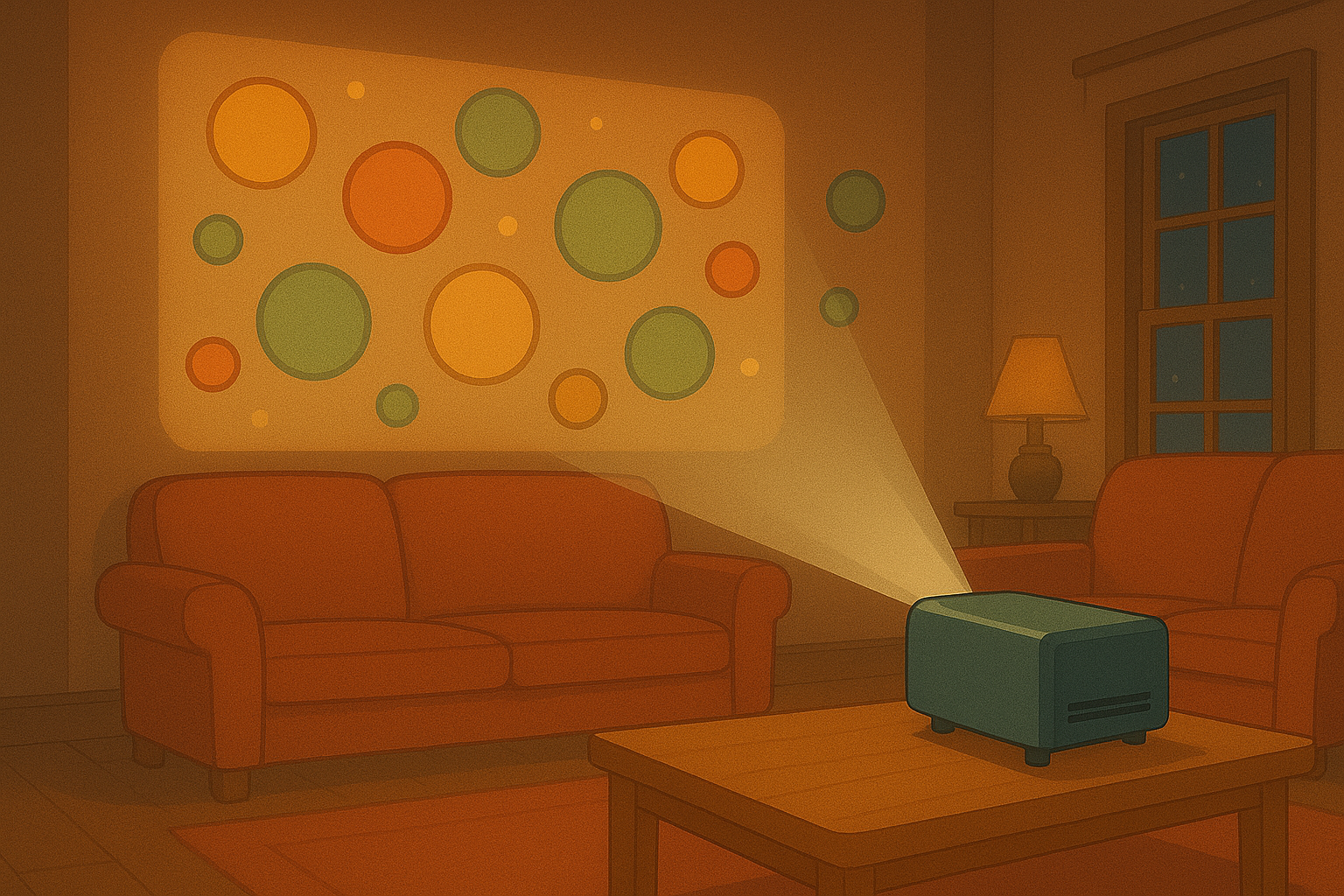
Projection options are ideal when you want immersion without clutter. A bright wall gives a large canvas. Pick a light, neutral wall for the clearest image. Use a projector with enough lumen power for your space. In a small flat a 2,500–3,500 lumen projector often works well. In a brighter room or shop window choose more lumens. Place the projector so the image sits flat on the wall. Avoid sharp angles. Keep the projector slightly above eye level to prevent glare. Use a simple tripod or ceiling mount. A dark curtain over nearby windows helps if daylight washes out the image. Sound matters too. Add a compact speaker if you want audio. You can stream animations via a stick or plug in a laptop via HDMI. The content should loop smoothly. Short loops of 30–90 seconds work best for attention and flow. Projection options for walls also include mapped content. Simple mapping lets you wrap visuals around features like shelves or doors. Use easy tools or ask our team for a quick map. Wall projection is forgiving. It is great for large visuals, mood setting, and storytelling. Try soft motion for a relaxed evening. Try bolder graphics for an event or launch. Keep the setup tidy and cables hidden. That way your space looks neat and the visuals shine.
How to do window projection that catches attention
Projection options for windows give you both indoor comfort and outdoor impact. Window projection often uses rear-projection film. Stick the film to the inner glass. It turns your window into a screen visible from outside. The film also keeps the inside cozy. Choose content that reads fast. People pass by quickly. Use high-contrast images and clear motion. Bright colours and simple shapes work well at a distance. Backlighting inside should be low. Reduce reflections by dimming nearby lights. Position the projector so it shoots at the film with minimal keystone. Test from the street to check readability. Projection options for holiday windows or shop displays can include timed schedules. Use a small media player to start loops at dusk. Add sensors or timers to save power during the day. If you want to show video at night, use higher lumen projectors and house the projector out of sight. Protect housing from heat and moisture. With the right setup your window becomes a magnet for foot traffic. It feels like a stage on the street. That is perfect for community events, pop-ups, and seasonal displays.
Making magic with floating net projections
Projection options on floating nets create ethereal, three-dimensional effects. A net or thin gauze hangs in space. It feels light and soft. When you project onto it, the image seems to float. Choose a very thin fabric like gauze or tulle. Tighter weave gives more image clarity. Mount the net with nearly invisible supports. Wire, thin tubes or fine fishing line work well. Place the projector behind or in front, depending on the effect you want. Rear projection on net gives a ghostly silhouette. Front projection highlights textures and layers. Adjust focus carefully. Slight movement of the fabric adds life to the image. Use gentle air currents or fans for slow sway. Controls must be subtle. Fast wind will blur the image and ruin the effect. Projection options for nets excel at art installations and intimate experiences. Use low to medium brightness. Soft, looping animations feel cinematic. Combine nets with small spotlights for depth. Keep the area safe and stable. Make sure the net is secured and that cables are tidy. This setup works beautifully in lounges, galleries, and small event spaces across Singapore. It brings a sense of wonder without needing a lot of equipment.
Playing animations on your TV — the easy route
Projection options also include using your TV as a canvas. Many modern TVs support HDMI input, streaming sticks, or apps. This is the easiest way to play animated content. Connect a small media player or plug in a streaming stick. Use a custom playlist or our app for looping visuals. The TV gives crisp color and clear contrast. It is great when you want zero setup fuss. Place the TV where people gather. Use wall mounts for a clean look. Match the content format to the screen resolution. Most TVs are 1080p or 4K now. Choose files that match to avoid scaling artifacts. Projection options with TV are perfect for retail screens, waiting areas, and personal entertainment. Sound is optional. Add light ambient audio if it fits the mood. Keep the viewing distance in mind. A smaller TV needs viewers closer for the detail to read. Always test playback and scheduling before going live. TVs run for long hours easily, but check for overheating. Use stable mounts and proper ventilation. This simple route gets your visuals up fast and keeps the focus on the content.
Practical tips to pick the best projection option
Projection options depend on your space, your goal, and your audience. First, think about location. Is the display inside or facing the street? Inside, wall or net projection works great. Facing the street, consider window film or a bright projector. Second, consider ambient light. High light needs more lumens. Third, think about installation time. TV view is fastest. Wall and window need mounting and alignment. Nets need careful rigging and airflow control. Fourth, pick content for the context. Fast, high-contrast loops for passing crowds. Slow, cinematic loops for lounging spaces. Fifth, plan sound and schedules. Timers save power and make your display consistent. Sixth, test and iterate. Run a short pilot, walk around, and ask friends for feedback. Small tweaks often make a big difference. Projection options can be low-cost or premium. Start small and scale when you see results. If you feel unsure, we can help with recommendations for projectors, films, and mounting gear. Keep safety in mind. Secure mounts, tidy cables, and weather protection are musts. With a bit of planning your space will feel fresh, inviting, and full of character.
Quick checklist and next steps
Projection options are flexible and fun. Choose the canvas, pick the gear, and plan the content. Test the setup and adjust light levels. Secure mounts and hide cables. Schedule playback for your peak hours. Try a small demo night to see how people react. Book a consultation if you want help with mapping or film choices. Small changes often create a big wow. Now pick one projection option and try it this week. You will learn fast and can refine the look. Enjoy the process and have fun with light.
Popular projections